Apple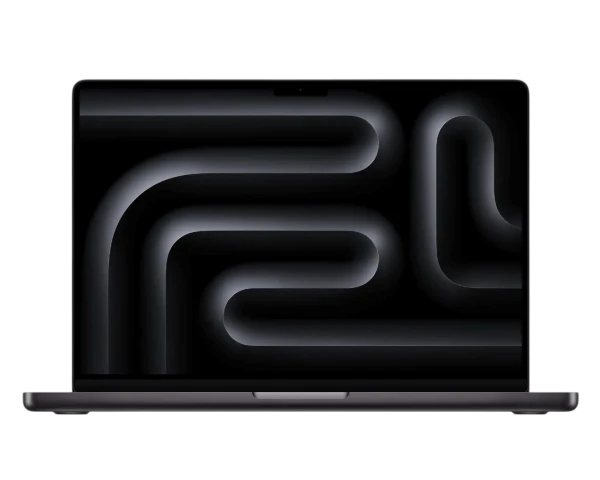
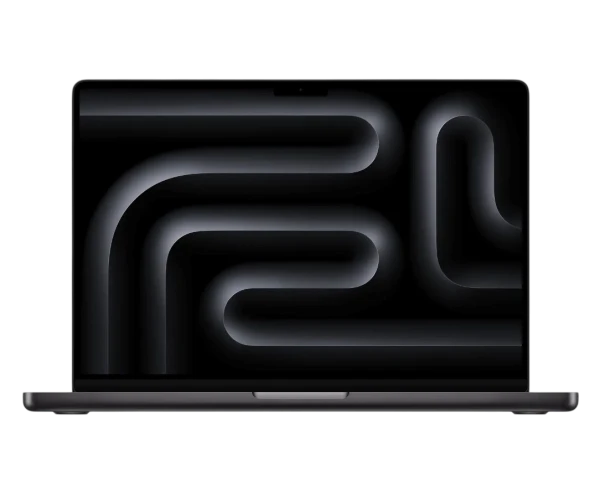
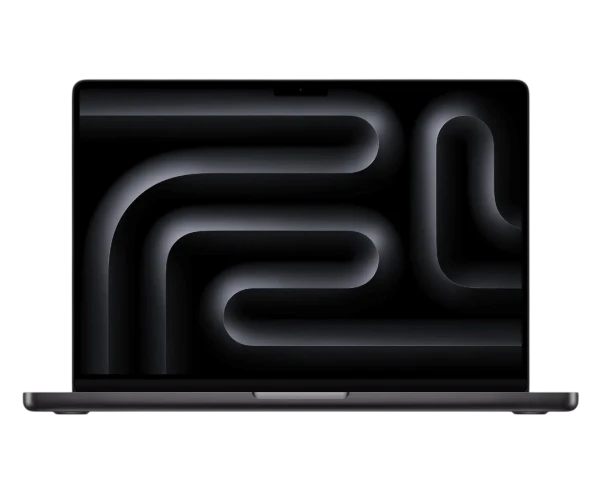
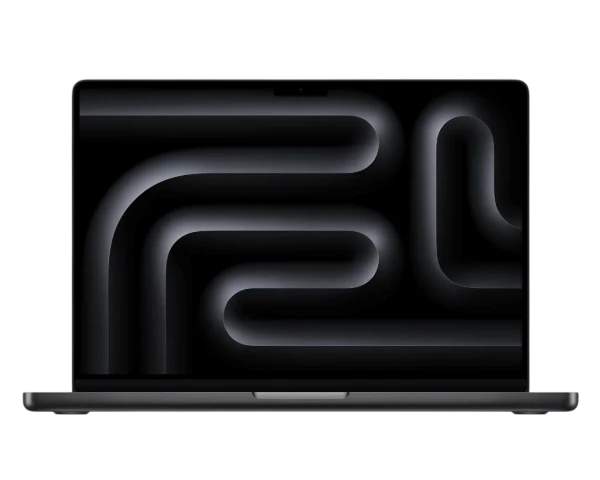
Apple MacBook Pro 16 inch 2026 M5 Pro 48GB 4TB
Laptops
Free tracked postage across the UKFast payment after inspection
Need help?
Sell my laptop
Find your MacBook, Dell or HP laptop, match its exact specification and condition, and see what Revante could pay today.
Choose a laptop brand
A familiar laptop name can cover dozens of processors and configurations. Choose the maker first, then match the model and specification that belongs to you.
Apple
Dell
HP
Popular laptops
Processor, memory and storage can change the price considerably, even when two laptops look identical. Select the exact configuration before choosing its condition.
Showing 37–40 of 40 laptops
A price built around your laptop
The processor, RAM, storage, graphics and screen can separate one configuration from another. Match those details carefully, then choose the Revante grade that reflects the complete laptop.
Unused and unopened in its original factory-sealed box, with the correct contents and no damage.
Fully working and in excellent condition, with no visible signs of use, cracks, dents or faults.
Fully working with visible scratches, scuffs, key wear or other cosmetic marks from normal use.
Cracked, dented, heavily worn or affected by one or more battery, display, keyboard or functional faults.
More than a lid and keyboard
We record the laptop in Aevum, confirm its identity and specification, and then test the hardware that defines how it looks, performs and travels through everyday life.
See how we grade laptopsScreen, pixels, hinges, lid, palm rest, base, feet, dents, cracks and pressure damage.
Keys, backlight, trackpad, fingerprint reader, webcam, microphones and speakers.
Charging response, battery behaviour, ports, adapter where included, heat and fan operation.
Processor, memory, storage, graphics, Wi-Fi, Bluetooth, operating system and start-up.
Prepare the laptop before packing
Back up what matters, remove personal and organisational access, reset the laptop and prepare every included item so the device can be safely tested.
Remove the MacBook from your Apple Account, turn off Activation Lock and deal with FileVault before resetting it.
Reset Windows, remove your sign-in and make sure BitLocker recovery or BIOS passwords will not prevent testing.
Remove Microsoft Autopilot, Intune, MDM, remote management, asset ownership and school or employer controls before posting.
From laptop to payment
Find the exact configuration, describe its condition honestly, remove your access, package it securely and receive payment after Revante completes the inspection.
Why sell your laptop to Revante
A laptop may still have years of useful life for another home, student or business. Accurate specification checks help Revante price it properly before it moves towards reuse, repair, refurbishment or responsible recycling.
When the model, specification and condition match, we pay the quotation shown.
Use a Royal Mail label or QR code, or arrange free collection where available.
Identity, specification, condition and testing activity are controlled through Aevum.
Select bank transfer, PayPal or cheque when completing the order.
More technology to sell
Revante also buys mobile phones, tablets and smart watches. Choose another category and find out what the technology around you could be worth.
Apple iPhone, Samsung Galaxy and Google Pixel models.
Find your phone 02 / TabletsApple iPad, Samsung Galaxy Tab and Microsoft Surface models.
Find your tablet 03 / Smart watchesApple Watch, Galaxy Watch and Pixel Watch models.
Find your watchSelling your laptop questions
Clear guidance about valuations, specifications, damaged laptops, chargers, personal data, access restrictions and Revante’s final inspection.
The value depends on its exact model, processor, RAM, storage, graphics, screen size and condition. Search for your laptop and choose the matching specification to see its current Revante valuation.
Yes. We buy many laptops with cracked screens, worn batteries, damaged cases, missing keys, charging problems and other faults. Choose Damaged and describe the device accurately.
Check About This Mac on a MacBook, or Settings and System Information on Windows. The model or service tag may also appear on the underside. Match the processor, RAM and storage carefully.
Include it when your quotation or order instructions request it, and always include all original contents for a Brand New laptop. Wrap the charger separately so it cannot strike the laptop in transit.
Back up your files, sign out of accounts, turn off Find My where applicable, remove passwords, FileVault or BitLocker recovery restrictions and company or school management, then reset the laptop.
When the laptop matches the model, specification and condition selected, we pay the quoted price. If inspection finds a genuine difference, we explain it and send a revised offer for you to accept or decline.